 AI WORKFLOWReal-time transformation
Describe your scene, choose a voice and send the finished output directly to your call or broadcast.
Try it nowONE STUDIO. EVERY POSSIBILITY.
Transform live video, tune your microphone, create private AI voices and share natural voice notes from one focused workspace.
VEOne accountAI WORKFLOWReal-time transformation
Describe your scene, choose a voice and send the finished output directly to your call or broadcast.
Try it nowBUILT FOR EVERYDAY COMPUTERS
FullyMask performs its AI processing online. Connect your camera, use a modern browser and a stable internet connection—that is all you need to begin.
FullyMask processes the AI online, so you can start with the computer you already have. A dedicated graphics card is not required.
Close unused browser tabs, games, video editors, downloads and other meeting applications to free memory.
Close background applications and begin with 720p at 30 FPS. You can adjust the quality after confirming that your stream is smooth.
Every supported computer uses the same FullyMask service. A stable internet connection, working camera and updated Chrome, Edge or Safari browser matter most. The VocalMask desktop application requires Windows.
THE FULLYMASK PLATFORM
FullyMask brings live video transformation, virtual microphones and expressive voice tools into one working environment.
AI video for calls, content and live broadcasts.
VIDEO 02A tuned virtual microphone for Windows.
VOICE 03Natural speech and shareable voice notes from text.
SPEECH 04Fast transformed speech for calls and streaming.
LIVE 05Voice-to-voice transformation that preserves delivery.
EXPRESSIVE 06Private AI chat for questions, images, documents and code.
AI CHATHere are the key points and the next actions, organized clearly.
THE WORKSPACE
No disconnected dashboards. Choose a service from the Studio, create your output and see usage from the same account.
Open the Studio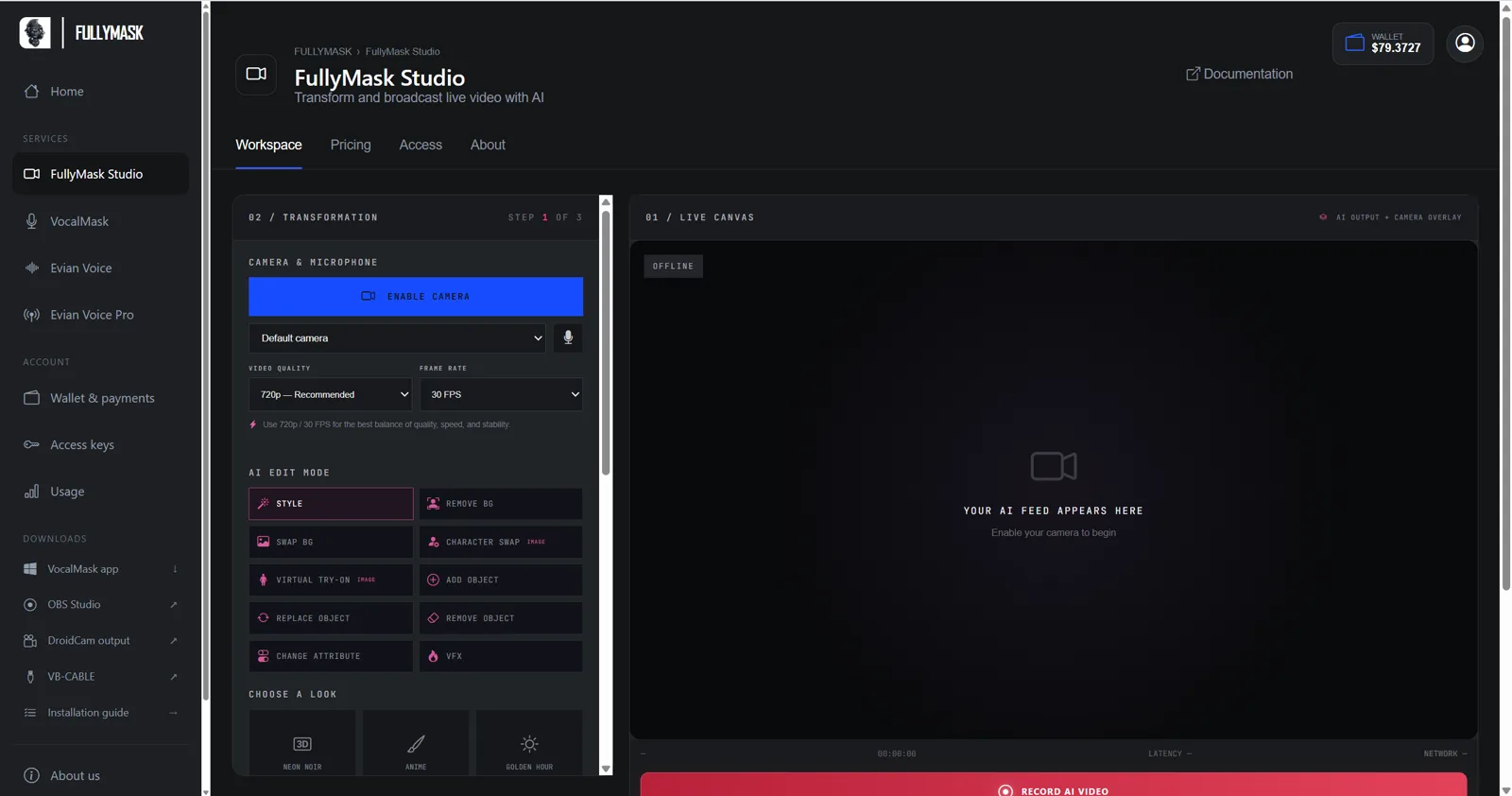 Live AI video
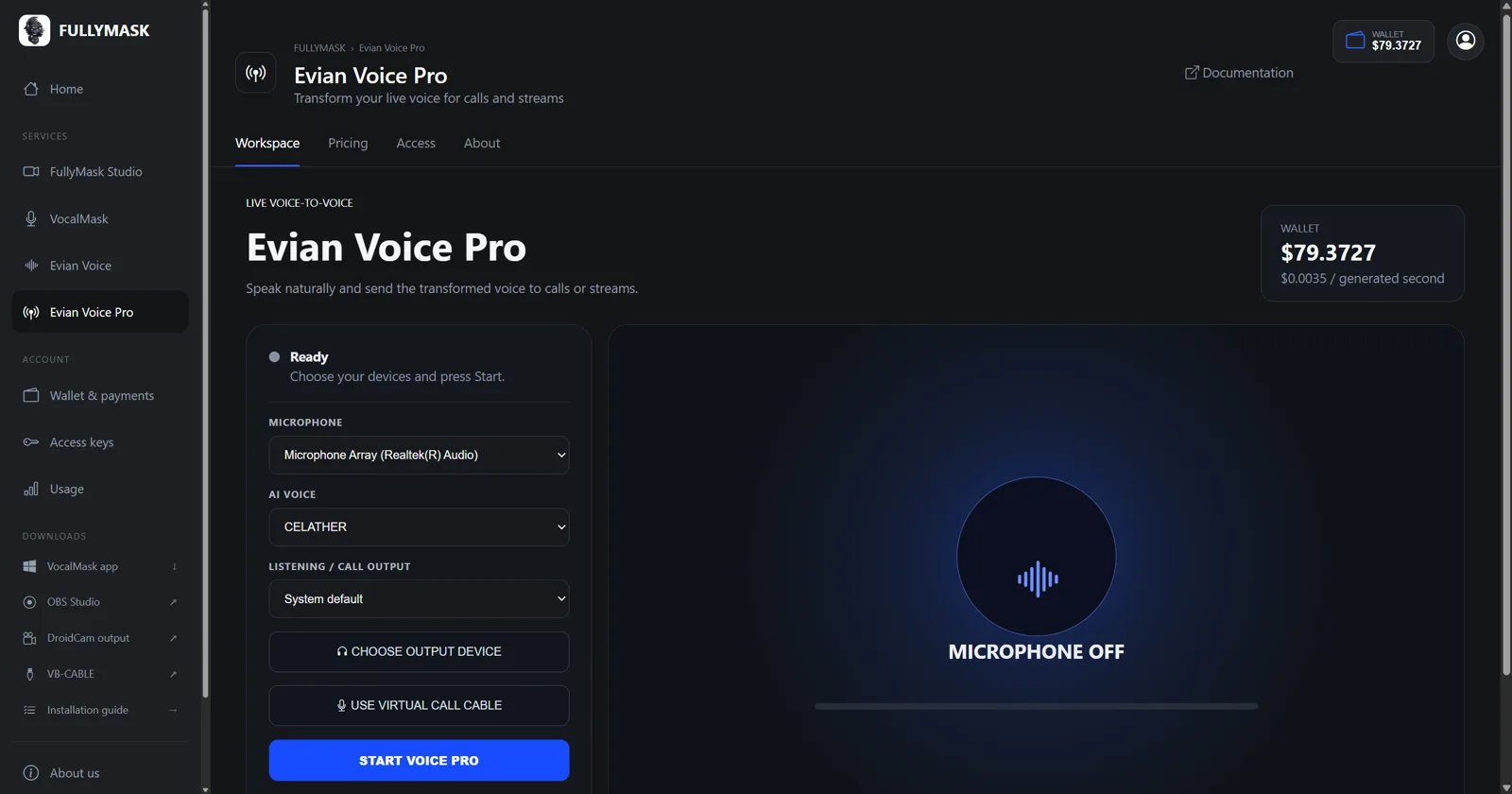 Live voice
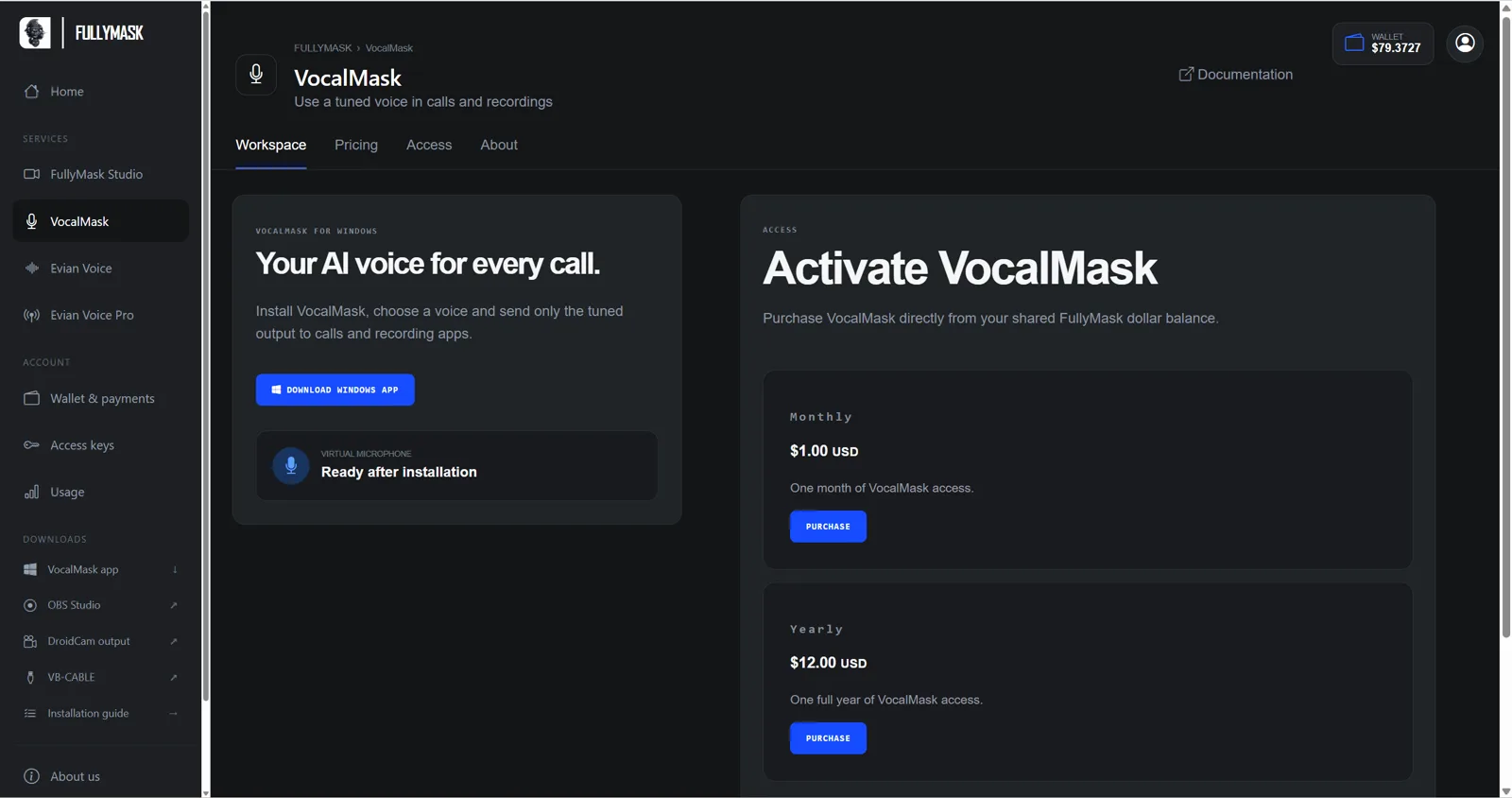 Virtual microphone
MADE FOR REAL OUTPUT
Use FullyMask for the work people already do every day—without changing the tools they rely on.
Route transformed video and voice into supported calling applications.
Record AI video, create voice notes and save personal assets for reuse.
Connect your private output to OBS for streams and productions.
YOUR NEXT CREATION STARTS HERE
OFFICIAL PARTNERS